furas.pl
Pillow: How to paste transparent animated gif on other image?
This example shows how to get animated GIF and put it on other image.
It uses ImageSequence to get animation frame-by-frame and paste it on duplicated background.
Because GIF has transparent bacground so it needs to convert frame(s) to RGBA to use Alpha as transparency mask.
After creating all new frames it gets first frame to save it and it append rest of frames using append_images
It needs save_all to add all frames in GIF. It needs loop=0 for infinity loop.
Using durationyou can decide how long to display every frame in milliseconds (1s = 1000ms).
from PIL import Image, ImageSequence

background   = Image.open('lenna.png')#.convert('RGBA')
animated_gif = Image.open("salty.gif")

all_frames = []

for gif_frame in ImageSequence.Iterator(animated_gif):

    # duplicate background image because we will change it (we will paste
    new_frame = background.copy()

    # convert to `RGBA` to use `Alpha` in `paste` as transparency mask
    gif_frame = gif_frame.convert('RGBA')

    # paste on background with transparency mask (channel ALPHA in gif_frame)
    new_frame.paste(gif_frame, mask=gif_frame)

    all_frames.append(new_frame)

# save first frame and append other frames with duration 100ms
all_frames[0].save("image2.gif", save_all=True, append_images=all_frames[1:], duration=100, loop=0)
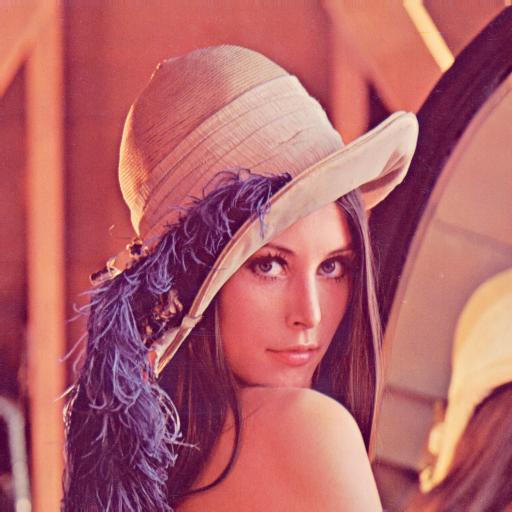
background - lenna.png (wikipedia: Lenna]
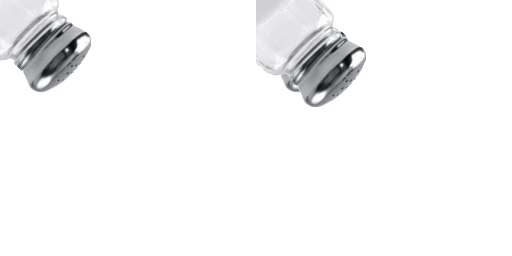
animated GIF - salty.gif
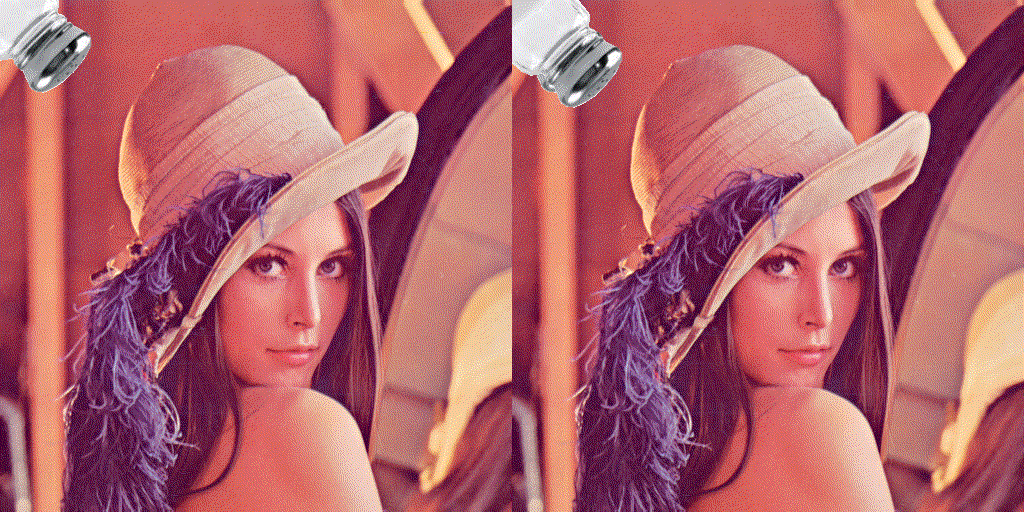
result - image.gif